For agencies + labelsCampaign Plans
Plan it before you spend it.
Campaign Plans turn a release or tour push into a clear Meta campaign. Start from presets, add saved Target Sets, point every ad at your Smart Link or Tour Link, and review the whole thing before it goes out, paused.
What you get
Everything in the box.
- 01
Streaming + tour builders
Guided flows for release pushes and tour runs, with an ad set for each show when you need one.
- 02
Review every piece
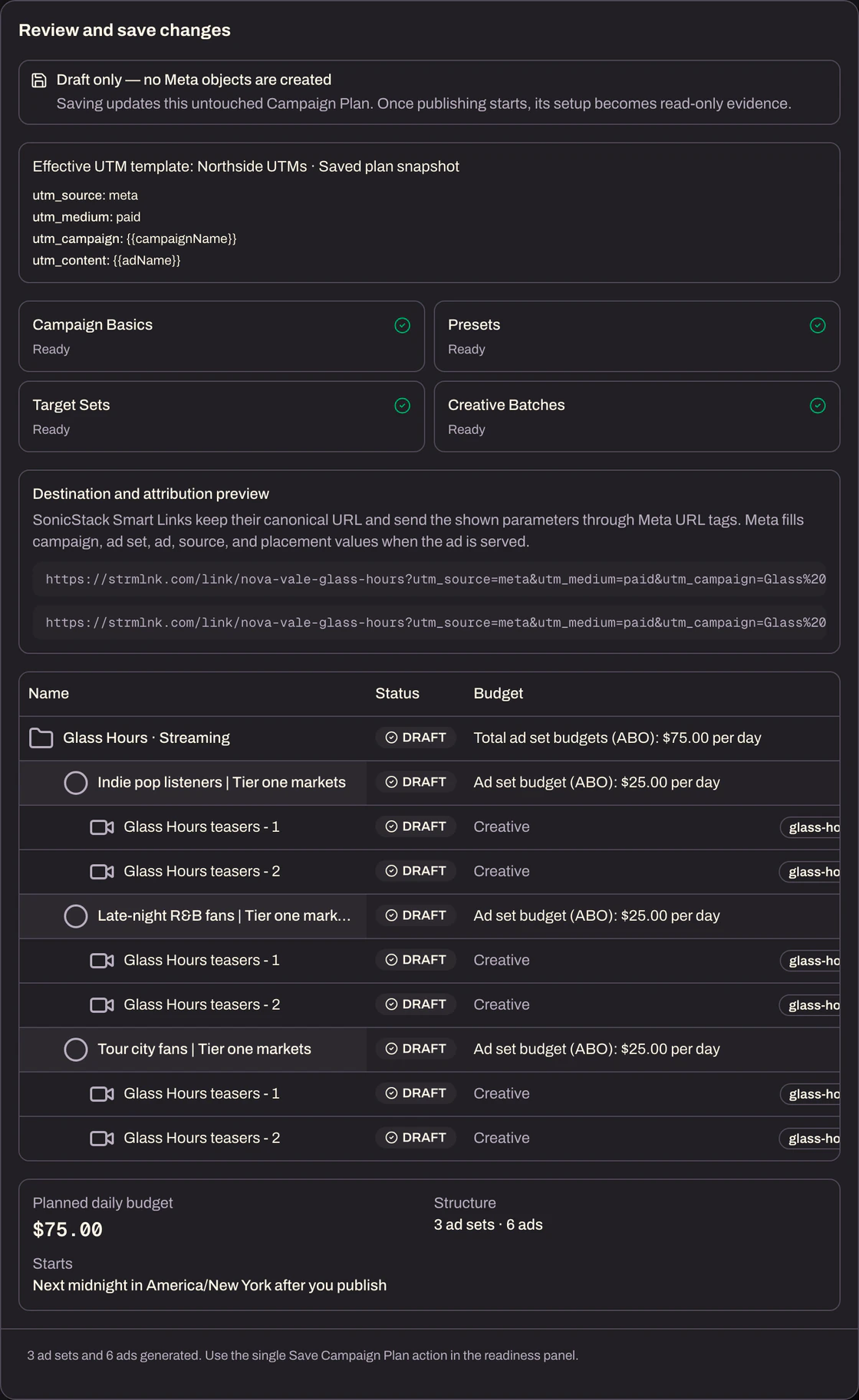
See the campaign, ad sets, ads, budgets, and checks in one review before anything is sent.
- 03
Publishes paused
New campaigns land in Meta paused, so nothing spends until you switch it on.
- 04
Connected destinations
Use an existing Smart Link or Tour Link, or create a Smart Link right from the builder.
- 05
Drafts that wait
Save a plan, come back later, and duplicate it for the next single.
- 06
Your own Meta access
Connect your Meta login and choose from the ad accounts, Pages, Instagram accounts, and pixels you already use.
How it works
Five steps.
No spreadsheets.
- 1
Campaign Basics: set the objective, budget, the Smart Link or Tour Link ads send fans to, UTM tags, and naming.
- 2
Presets: apply your country, placement, and demographic presets.
- 3
Target Sets: add the saved audiences you want to reach.
- 4
Creative Batches: add your creative, and the ads are built from it.
- 5
Review & Save: check every ad set, ad, and budget, then save the plan. Saving is a draft; nothing is created in Meta yet.